The Church AI OS help centre
A little guidance. A better Sunday.
From your first sign-in to the final service cue. Find the task you need, watch it in action, and follow along at your own pace.
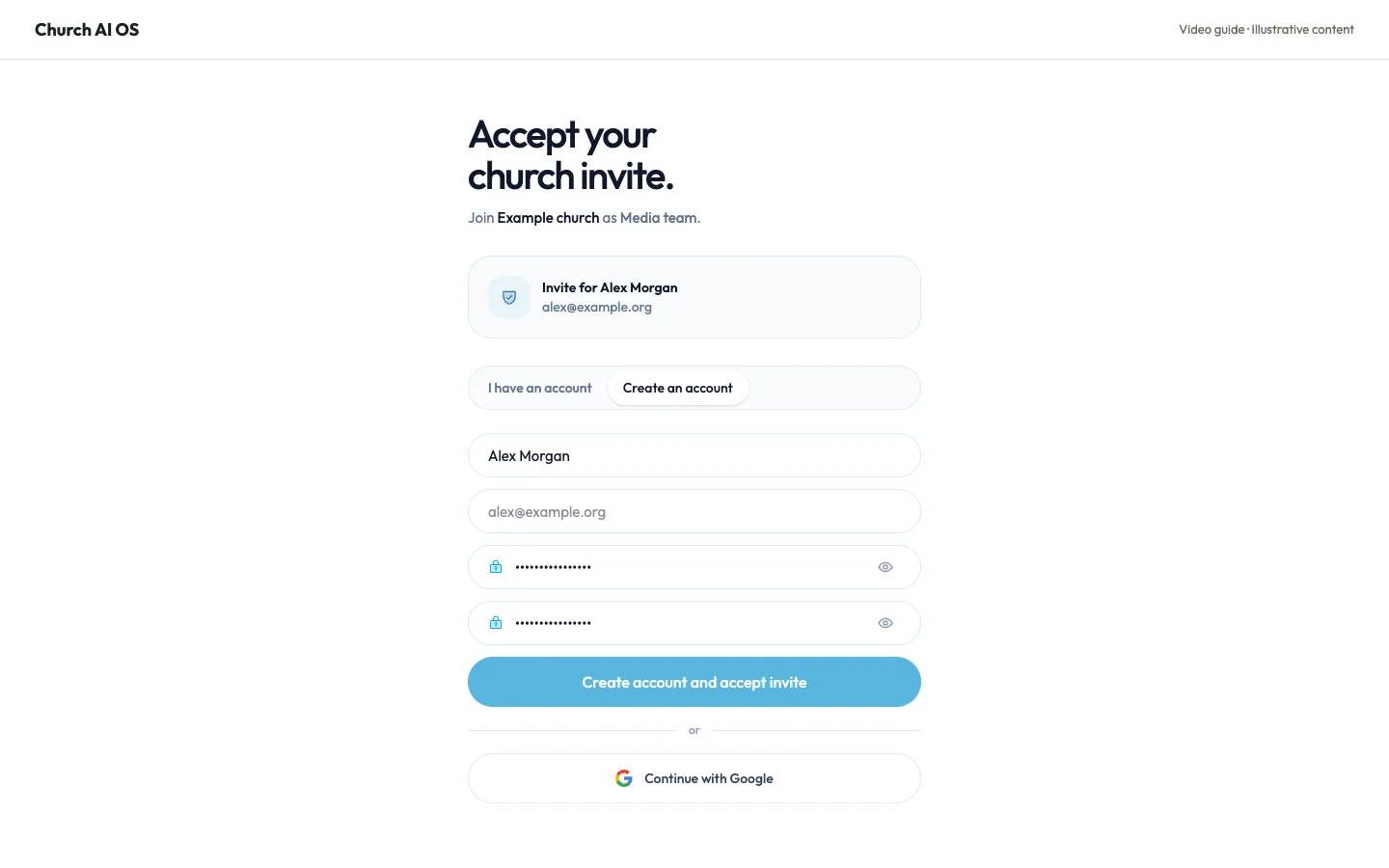
Create your account from a church invitation
Join your church workspace with your own account and the access your administrator has assigned.
Read & watch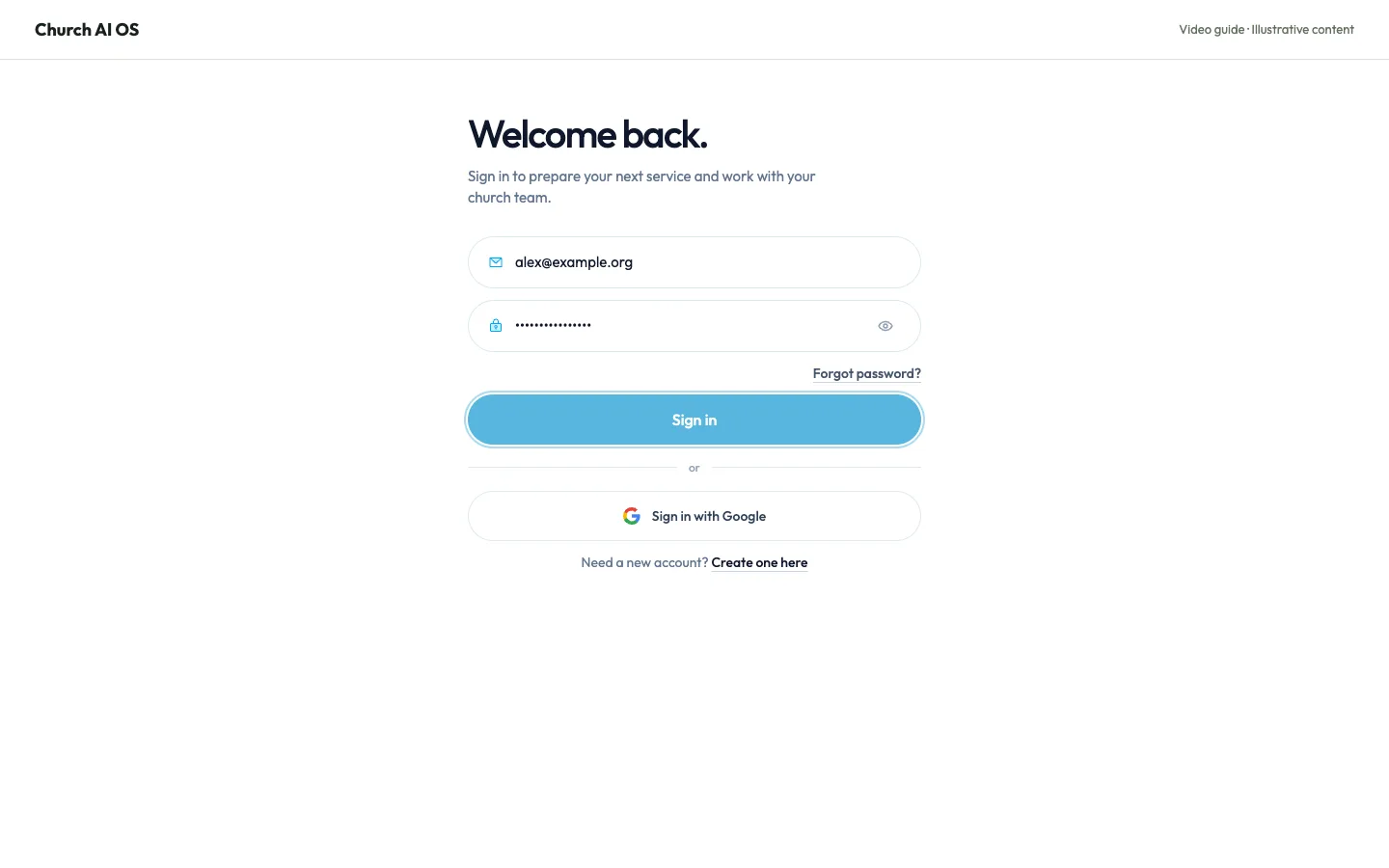
Sign in to your church workspace
Open your church account securely with your email address and password.
Read & watch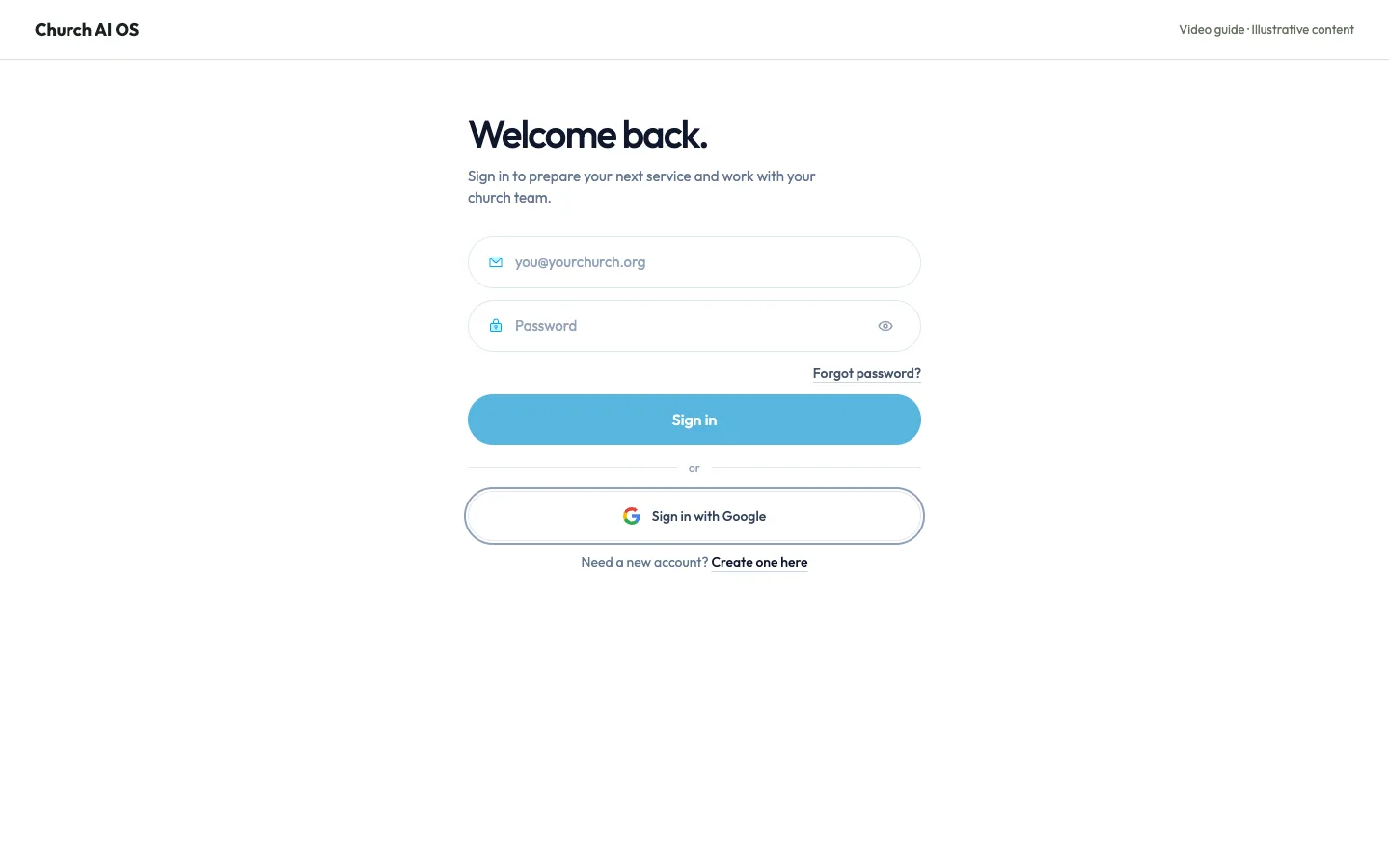
Sign in with Google
Use your Google account to access the church workspace linked to that email address.
Read & watch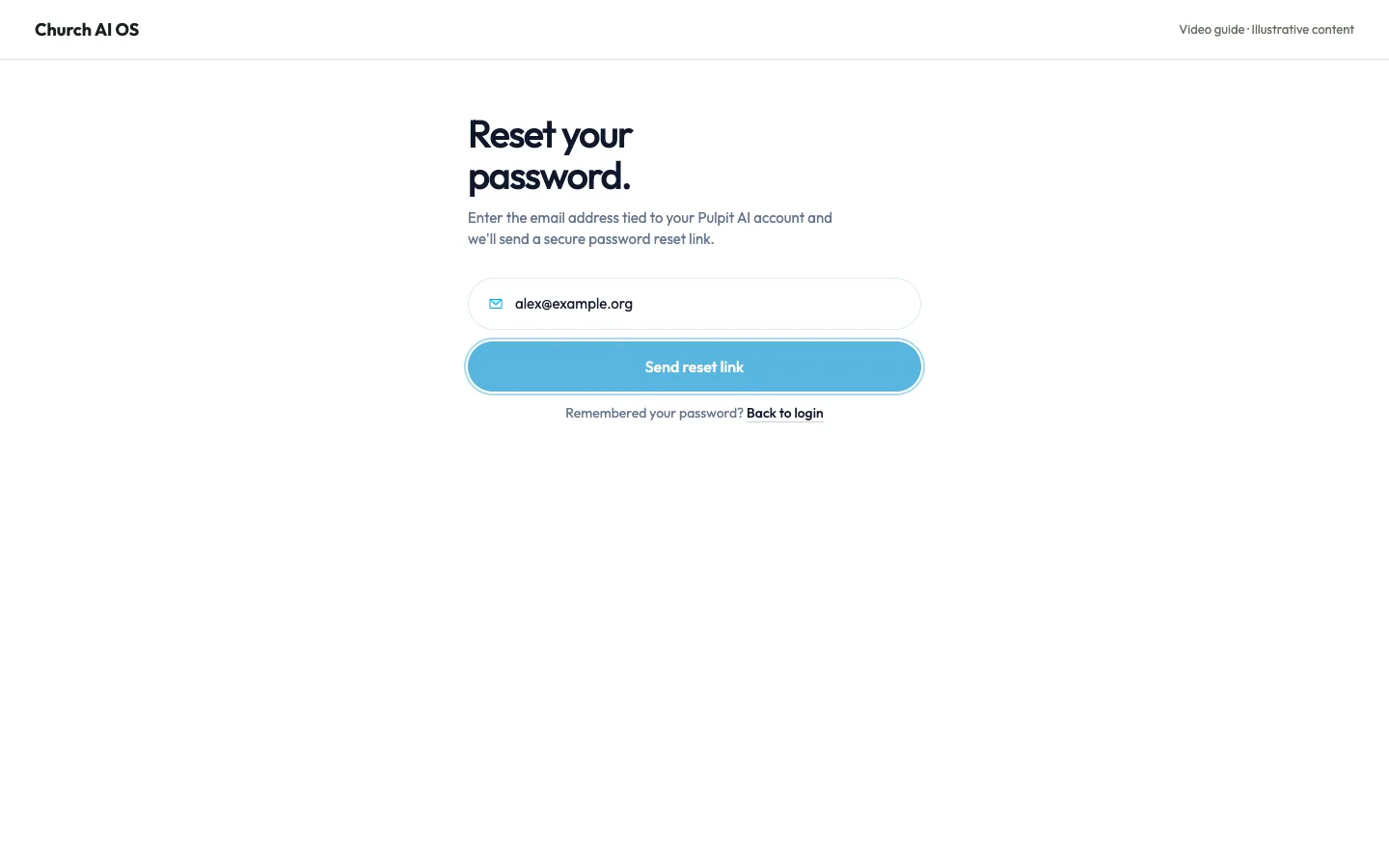
Request a password reset
Get a password reset link for an account that uses email and password.
Read & watch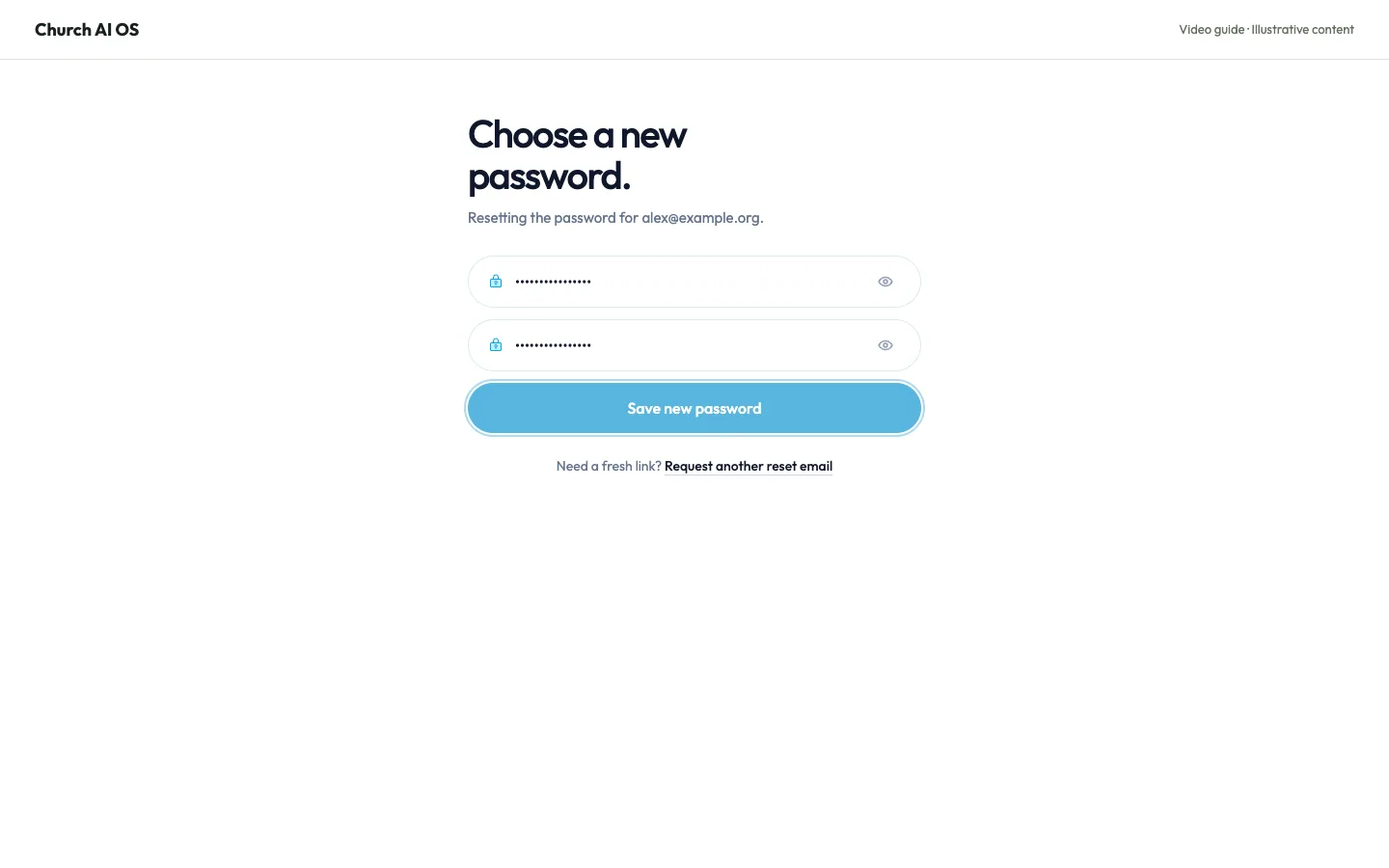
Choose a new password
Complete a password reset and return to your church account.
Read & watch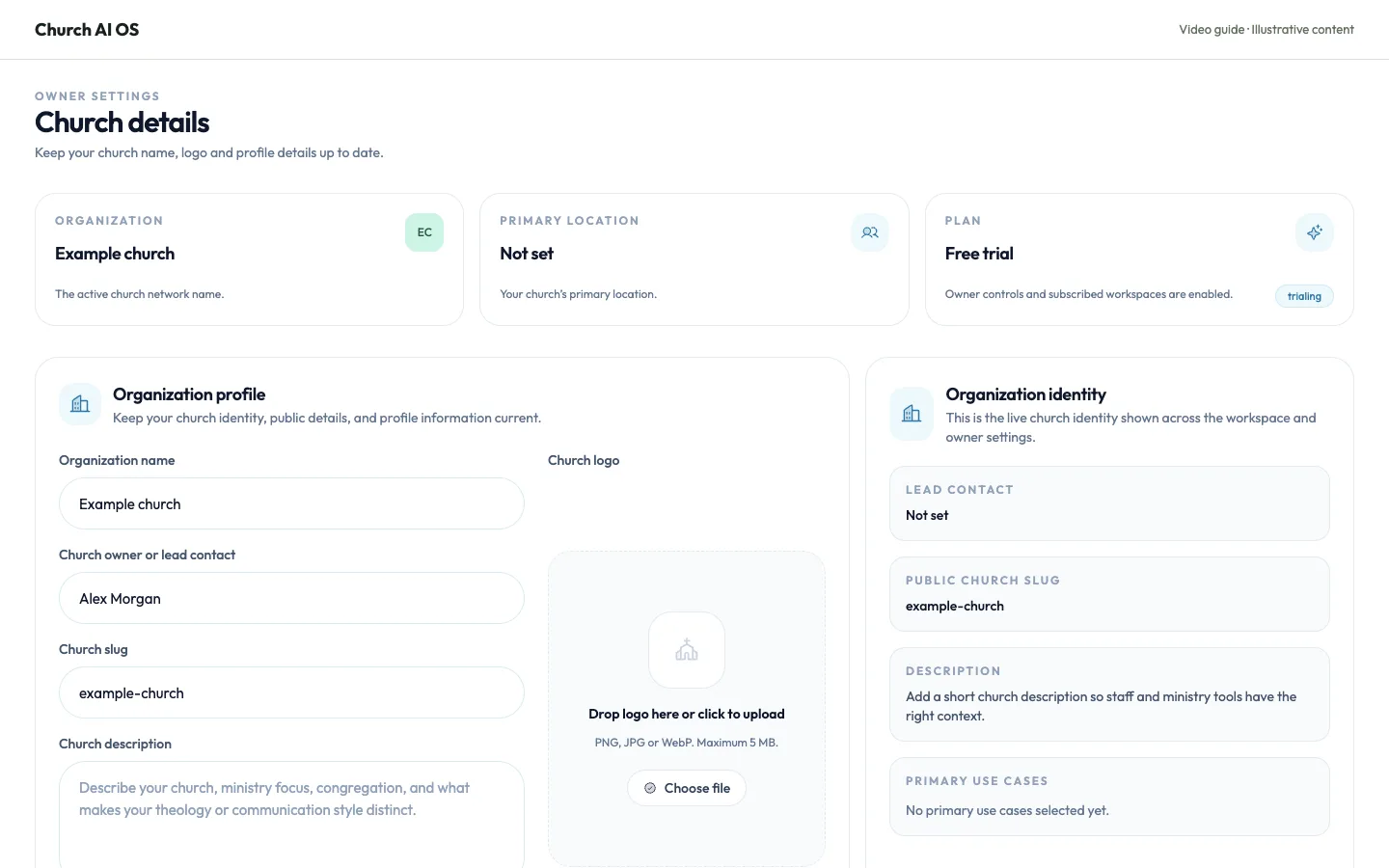
Update your church profile
Keep your church name, lead contact and ministry description current.
Read & watch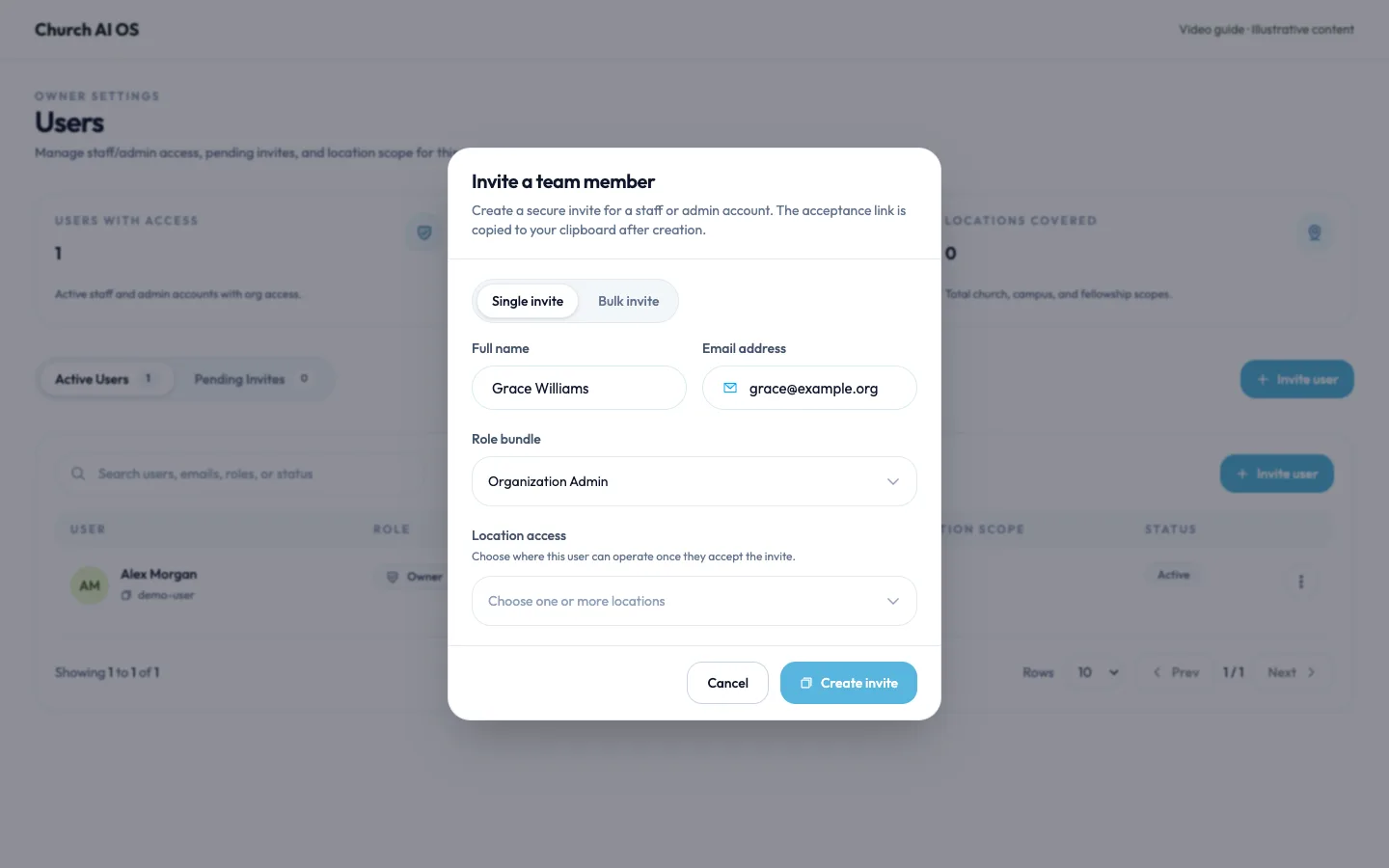
Invite a team member
Give a volunteer or staff member their own church account and appropriate access.
Read & watch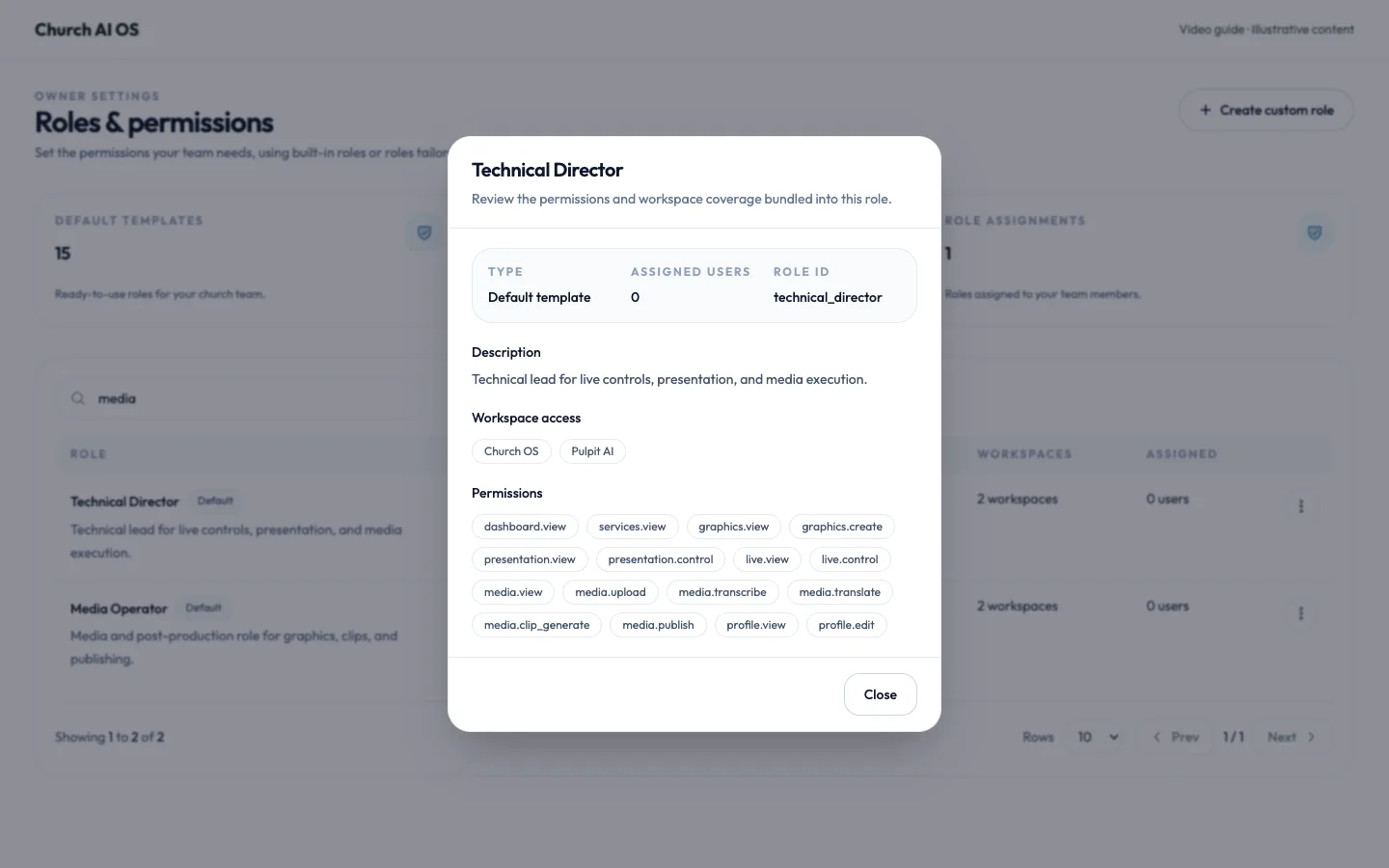
Review a role’s permissions
Check what a role allows before assigning it to a team member.
Read & watch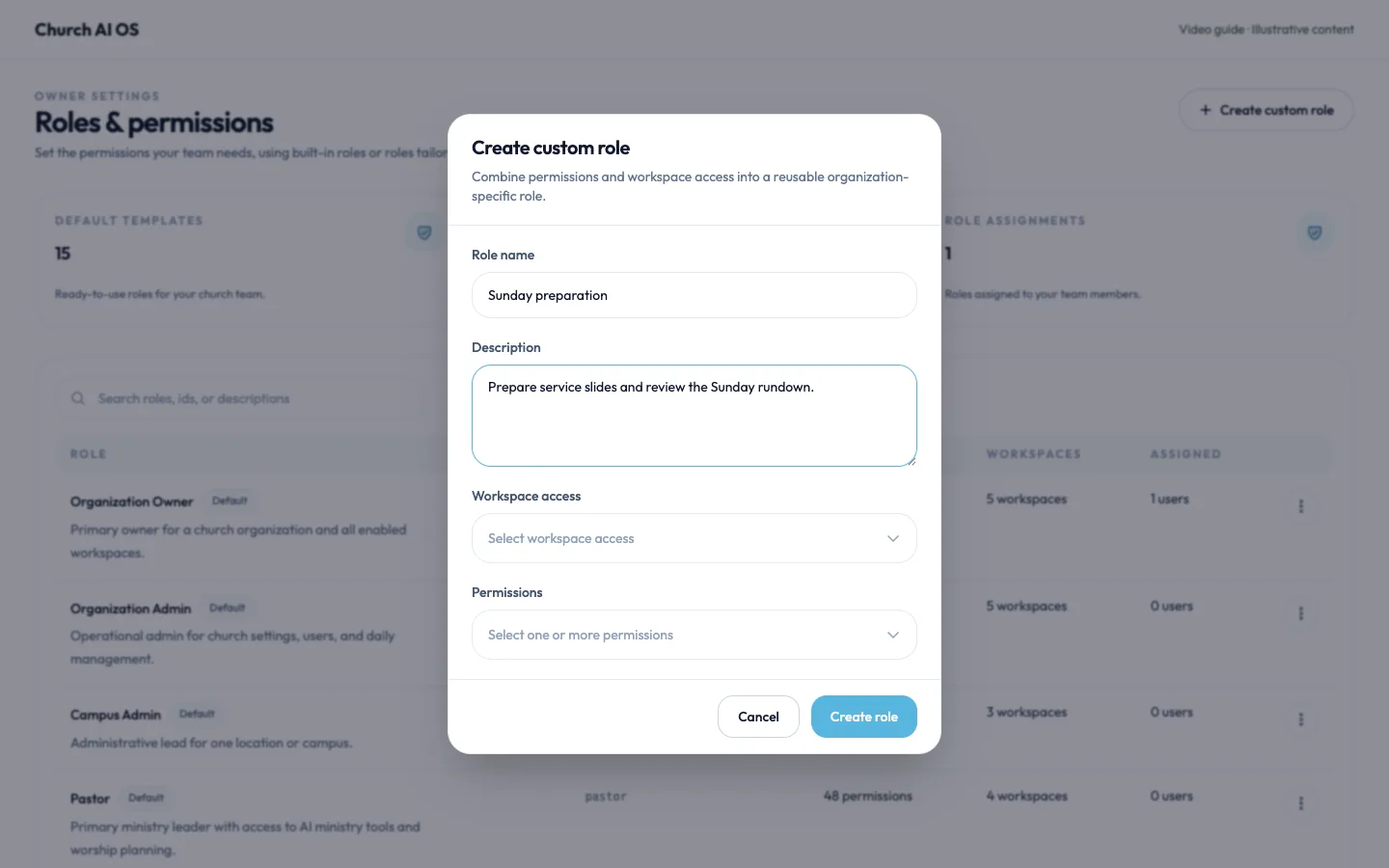
Create a custom team role
Define a role around a specific ministry responsibility.
Read & watch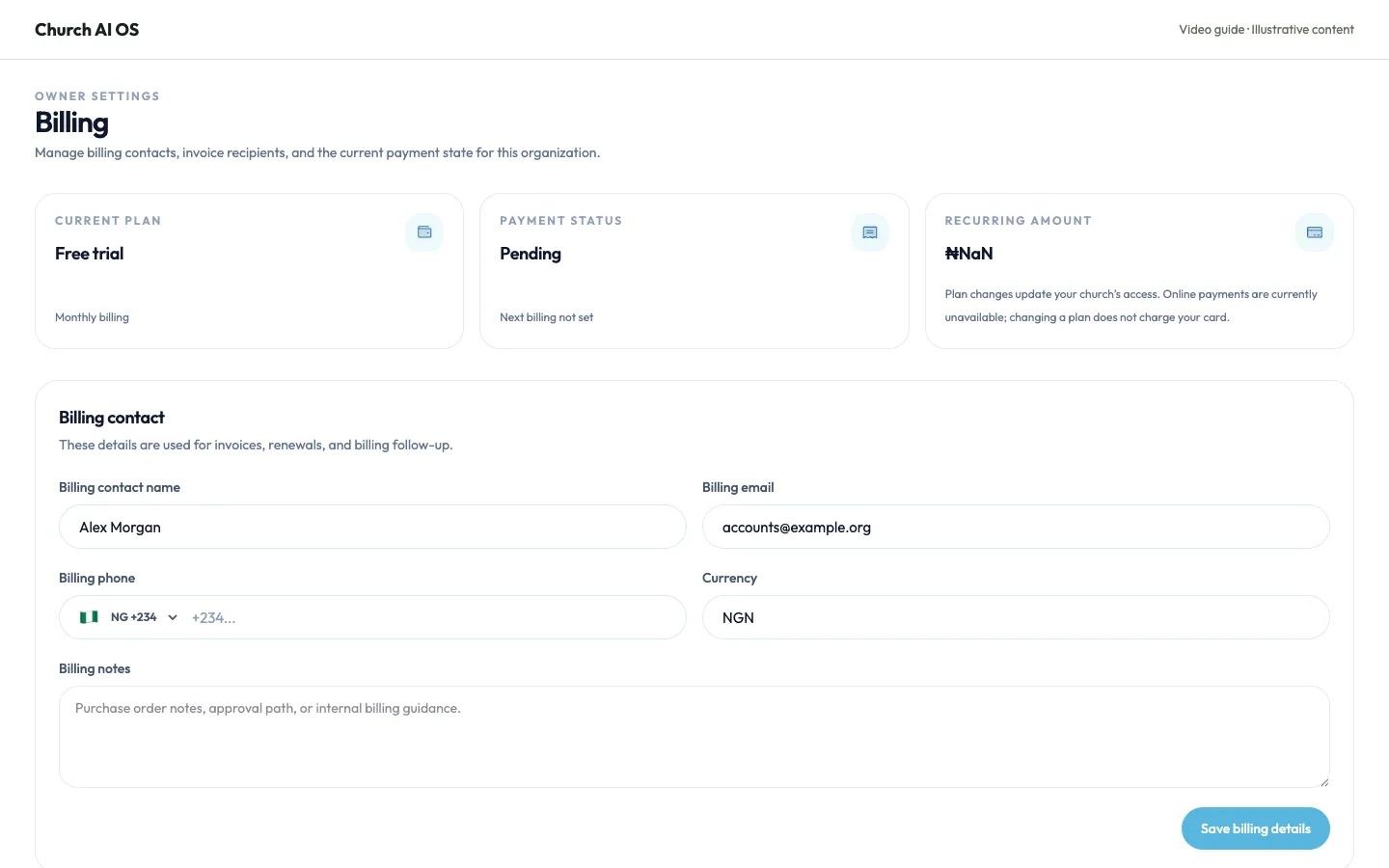
Update your billing contact
Keep billing correspondence attached to the right person and email address.
Read & watch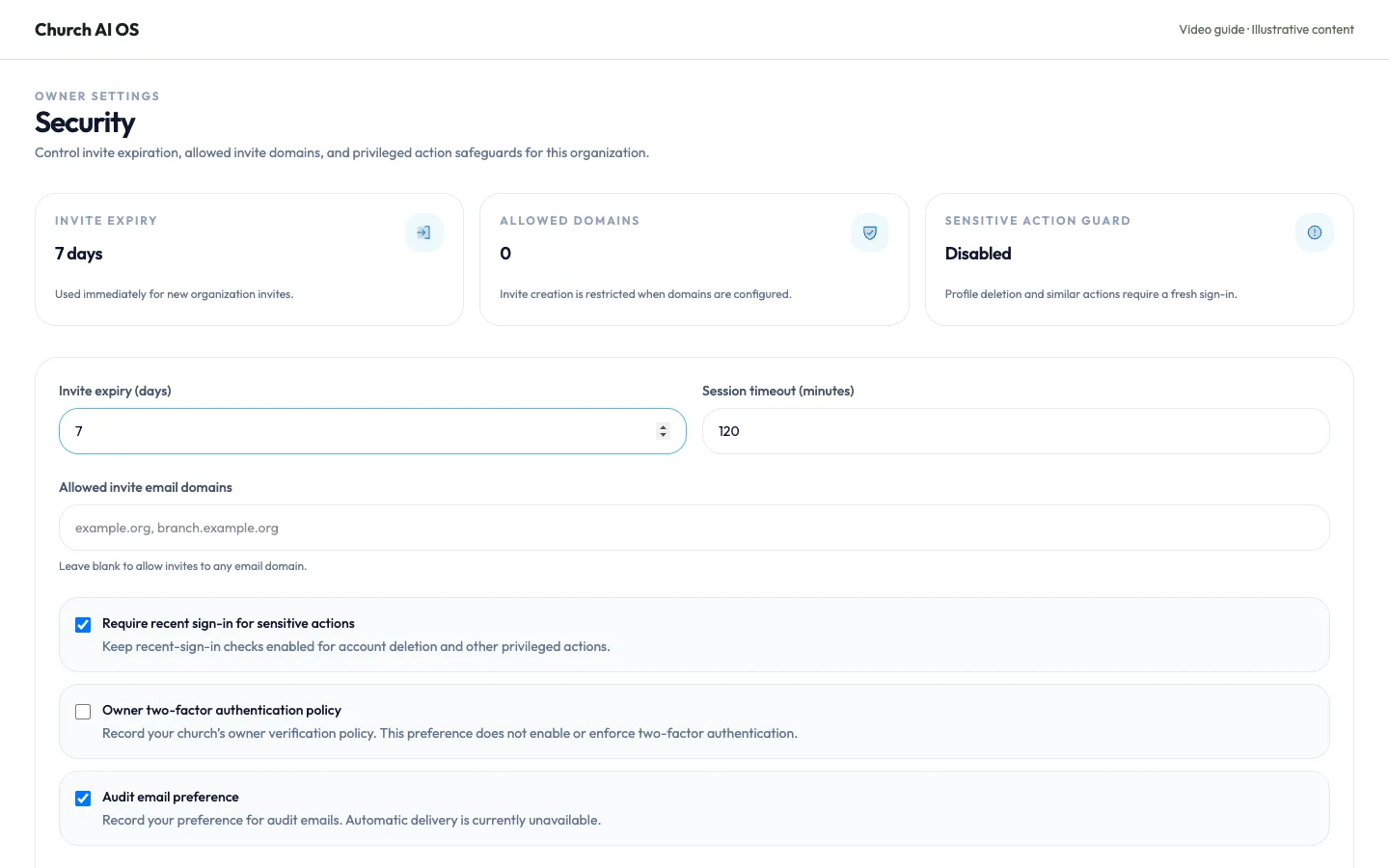
Set invitation expiry and allowed domains
Control how long invitations remain valid and which email domains can receive them.
Read & watch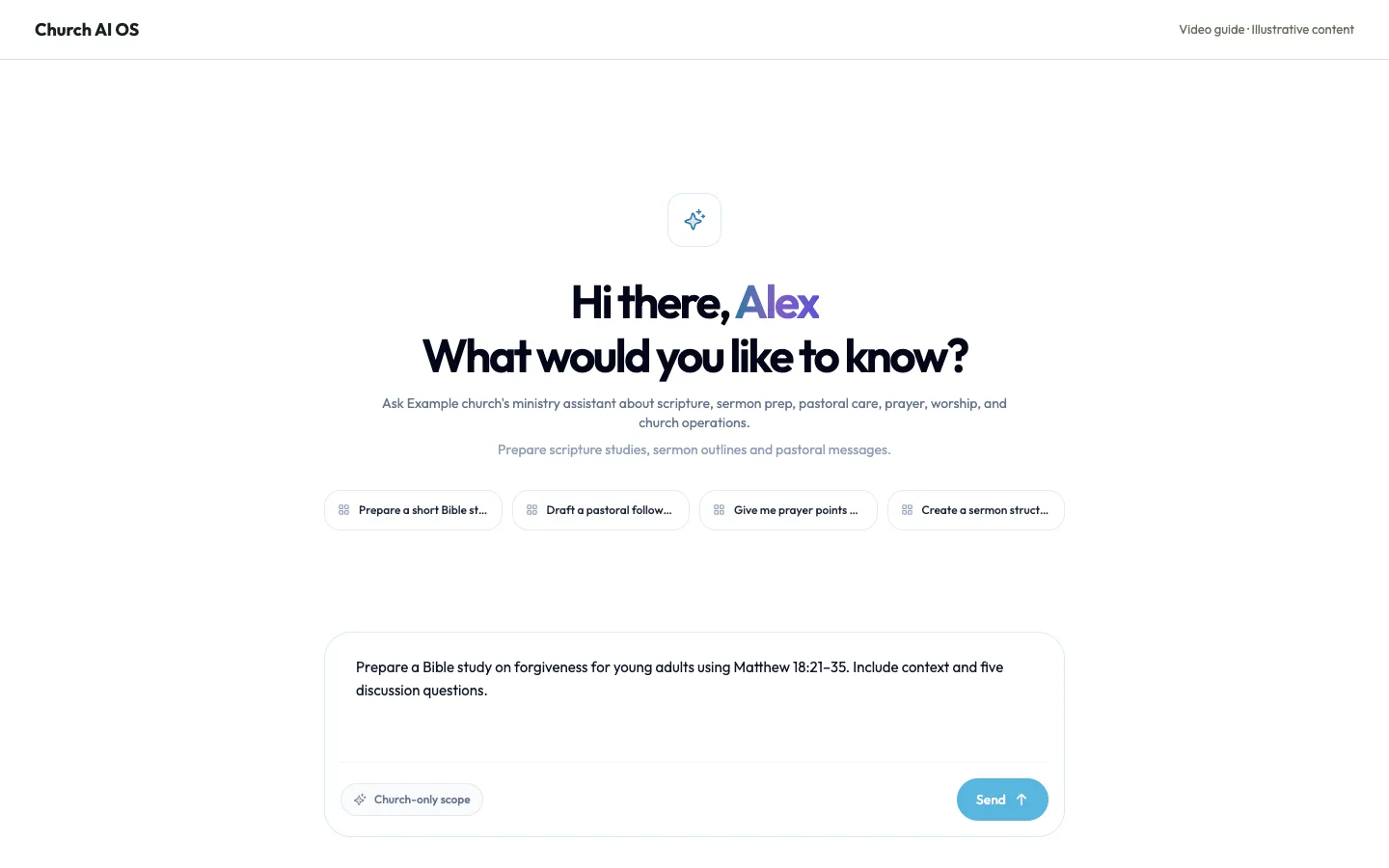
Prepare a Bible study with Logos AI
Name the passage, audience, session length and teaching aim. Include the translation you plan to use and whether the group is new to the Bible.
Read & watch