Pulpit Desktop
Mac Apple Silicon
M1, M2, M3, M4 and later M-series chips
v0.1.0-beta.4 · 126 MB · macOS 12 or later
Verify download
f15005ca0e074ffd978bdb03b9c4d0b47072d3cec17dc84d6df3db149e122d70We’ll help you bring it to life.
Your service, scripture and team. Together.
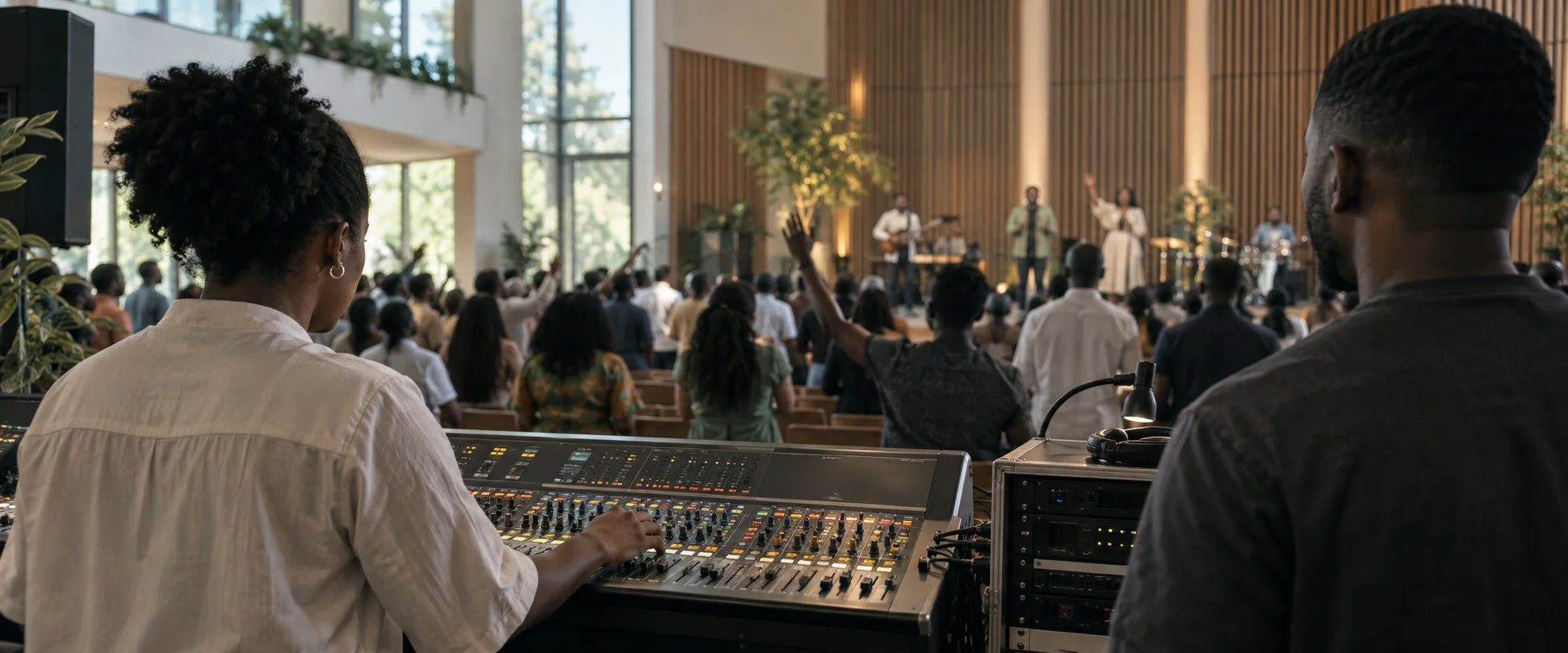
Meet Pulpit AI
From the first welcome to the last amen, give your production team one place to prepare and present.
Bring slides, scripture, lyrics and media into a service rundown. Set the order, shape the look and rehearse the transitions.
The whole service, in order.
Pulpit AI · Service walkthroughMore than slides
The media, design and presentation tools your service deserves.
Watch a service take shape in Pulpit AI.
Video files, looping backgrounds and playback controls. Add movement without leaving the service rundown.
Import PDF and PowerPoint slides as presentation pages. The desktop converter is included in the app.
Set background, colour and text defaults. Refine a whole presentation or give one slide its own treatment.
Full-screen slides, lower thirds and a separate stage display with timers, messages and next-slide cues.
From shared preparation to a saved recording, keep the whole team in the picture.
Record a source or the composed program. Save locally, upload when connected and recover saved recording segments after an interruption.
Shared rundowns, team presence and church-controlled permissions help the team prepare the same service across devices.
Save local services, check media availability and move prepared files in a portable .pulpit package. Rehearse before going offline.
Look up the bundled World English Bible offline. Prepare scripture and lyrics queues, then review the next passage before taking it live.
Three rooms for preparation, presentation and your team. Two more for the ministry that happens all week.
Build the rundown. Bring scripture and media to the screen. Keep your operator in control.
A ministry-focused space to study, draft and think through the message. Review every answer.
Invite your team, assign roles and manage access across your church and its locations.
Coming soon: Church OS for people and ministry planning. Prayer AI for requests and pastoral care.
Plan in your browser. Present from your desktop. Choose where you want to begin.
One desktop app, including PowerPoint import.
No separate LibreOffice installation.
The web app. No installation needed.
Public testing release. Mac and Windows builds are not yet signed. Your computer may ask you to confirm the publisher before opening. Read the installation steps.
Checking your device…
M1, M2, M3, M4 and later M-series chips
v0.1.0-beta.4 · 126 MB · macOS 12 or later
f15005ca0e074ffd978bdb03b9c4d0b47072d3cec17dc84d6df3db149e122d70Mac computers with an Intel processor
v0.1.0-beta.4 · 136 MB · macOS 12 or later
e736127ab6232111fb5edc078b4f04920ebaec140cc358c9801e66ee686b3255Windows PCs with an Intel or AMD processor
v0.1.0-beta.4 · 117 MB · Windows 10 or later (64-bit)
d9c1705d1509e3e6481a3ff6b4dae630308d7a5a6332aca127a93aef2e0ae9f0Open the Apple menu About This Mac. Choose Apple Silicon if you see an Apple M-series chip. Choose Intel if you see an Intel processor.
For every pastor. Every volunteer. Every Sunday.
Make room